
Ever wondered how to turn your home into a smart haven without losing your sanity? With Google Home Web, you can manage your whole smart home ecosystem with just a few clicks, no PhD in rocket science needed. Imagine controlling your lights, thermostat, and even your favorite tunes just by saying, ‘Okay Google.’ In this guide, we’ll dive deep into what makes Google Home Web a game-changer, its essential features, and everything you need to set it up and keep it running smoothly. Ready to let technology do the heavy lifting? Let’s jump in.
What Is Google Home Web?
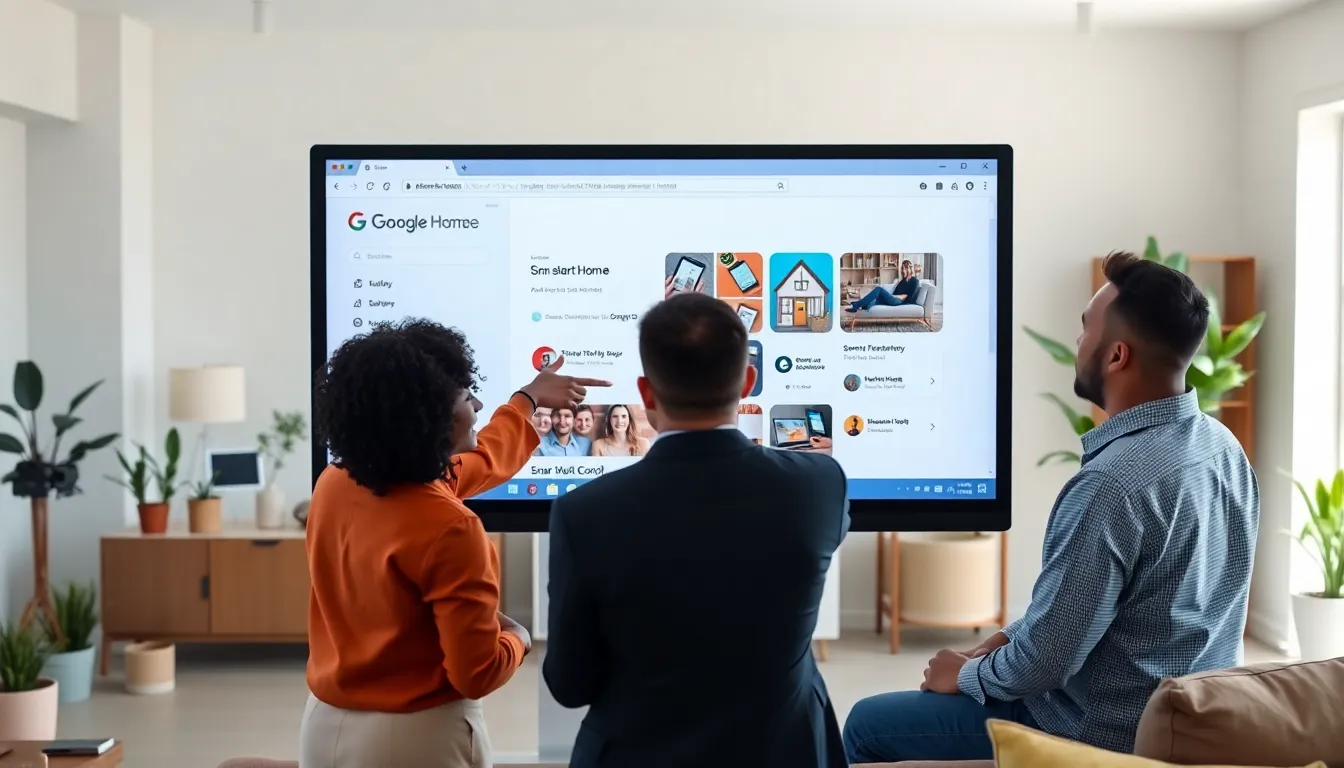
Google Home Web is an intuitive platform that serves as your control center for a smart home. It provides a user-friendly interface that allows homeowners to manage and integrate various smart devices seamlessly. Whether it’s adjusting the heating, setting the mood with lights, or managing media playback, this platform simplifies life. Users can access it via their browsers, making home management accessible from virtually anywhere with an internet connection. Essentially, it acts like a digital butler who can be summoned with just a simple command.
Key Features of Google Home Web
Google Home Web boasts a multitude of features designed to enhance user experience. Here are some key highlights:
1. Device Management
Users can easily add, remove, or configure smart devices from the Google Home Web dashboard. This includes smart lights, thermostats, speakers, and more.
2. Voice Control
Integrated with Google Assistant, users can control their devices using voice commands. No need to fumble with apps.
3. Scenes and Routines
Set specific modes or routines for different times of the day, like ‘Movie Night’ or ‘Good Morning’, to control multiple devices simultaneously with a single command.
4. Integration Options
Google Home Web plays nicely with countless third-party devices and services, ensuring users can create a highly customized smart home environment.
5. Activity History
Users can check device history to monitor usage and performance, which can help identify patterns or troubleshoot functionality.
Setting Up Google Home Web
Getting started with Google Home Web is a straightforward process. Here’s a quick guide to set it up:
Step 1: Create a Google Account
If you don’t already have one, creating a Google account is the first step. This is essential for accessing Google Home Web.
Step 2: Download the Google Home App
Though you’re using the web version, the Google Home app plays a key role in initial setup. Download it to your smartphone and follow the prompts to link your devices.
Step 3: Link Your Devices
Follow the app’s instructions to link your compatible smart devices with your Google account. Be sure they are powered on and connected to the same Wi-Fi network.
Step 4: Access Google Home Web
Once your devices are linked, head to the Google Home Web interface via your preferred browser. Sign in, and you’ll see all connected devices neatly displayed.
Step 5: Customize Settings
Now, take time to explore customization options. Set up scenes, adjust preferences, and get to know your control panel. Enjoy your new smart home.
Using Google Home Web for Smart Home Management
Once everything is set up, using Google Home Web becomes a breeze. Here are some practical ways to use its features:
Daily Routines
Start each day seamlessly by scheduling routines. For example, you can set your coffee maker to brew at 7 AM, your smart lights to gradually brighten, and even your favorite news briefing to play, no need for mind reading to wake you up right.
Home Monitoring
Use connected cameras and doorbells to keep an eye on your property remotely. Google Home Web allows users to view camera feeds directly from the interface. Great peace of mind for busy homeowners.
Energy Management
Monitor your energy consumption with smart thermostats and lights. Google Home Web can help you make adjustments that save money and reduce waste.
Entertainment Control
Manage playback across multiple devices, whether it’s streaming your favorite series on the TV or playing music in every room. Custom playlists and multi-room audio make hosting a delight.
Troubleshooting Common Issues
Even the best technology can run into hiccups. Here are some common issues users may encounter with Google Home Web and how to solve them:
Issue 1: Device Connectivity Problems
If your devices are unresponsive, first check your Wi-Fi connection. Ensure all devices are powered on and properly connected.
Issue 2: Voice Commands Not Recognized
Should your commands fall on deaf ears, try adjusting the microphone sensitivity in your Google Home app settings. Sometimes, background noise can interfere.
Issue 3: Device Not Responding to Routines
Make sure your routines are configured correctly in the Google Home app. Double-check triggers and ensure all devices involved are online.
Issue 4: Performance Lag
If Google Home Web feels sluggish, refreshing your browser or clearing its cache can often solve the problem.
Comparing Google Home Web with Other Smart Home Platforms
There are several smart home platforms available, but how does Google Home Web stack up?
Versus Amazon Alexa
Both platforms offer voice control and compatibility with numerous devices. But, Google Home Web excels in user-friendliness and integration of services. Users typically find the interface for Google Home Web easier to navigate.
Versus Apple HomeKit
Apple HomeKit is known for its security features, but it requires more technical setup compared to Google Home Web. If quick and easy setup is a priority, Google’s platform takes the lead.
Versus Samsung SmartThings
Samsung SmartThings offers extensive device compatibility. But, Google Home Web focuses more on user experience, simplifying the process of setting up and managing a smart home.
Future Developments in Google Home Web
The smart home landscape is ever-evolving, and Google Home Web is likely to keep pace. Future developments could include:
Enhanced AI Capabilities
As AI technology continues to improve, expect more intuitive interactions. Google Assistant may soon be able to predict user needs based on previous commands and habits.
Broader Device Compatibility
Google is likely to increase collaboration with third-party developers, expanding the range of compatible devices, making your life even simpler.
Improved Security Features
With the rising importance of cybersecurity, Google may carry out enhanced security protocols to ensure user data remains safe and private.
User Personalization Options
Increased personalization features could allow users to tailor their experience to a whole new level, providing bespoke management suited to individual needs.